

Personalise my view
Orientation | Brisbane campuses
We want to make sure you have everything you need to kick start your study at TAFE Queensland.
- DATE
- 20-24 April 2026
- TIME
-
In your first timetabled class
- LOCATION
-
All Brisbane campuses
- PRESENTER
- TAFE Queensland
Your Orientation is super important to your study journey. It will be held during your first scheduled class. See your timetable to find out when. Don't miss it! This session will cover topics such as:
- How to submit assessments.
- Using our online learning management system (Connect).
- Your class group.
- Your timetable, textbooks, or equipment you need.
- Find out all the information you need to be prepared for your first class.
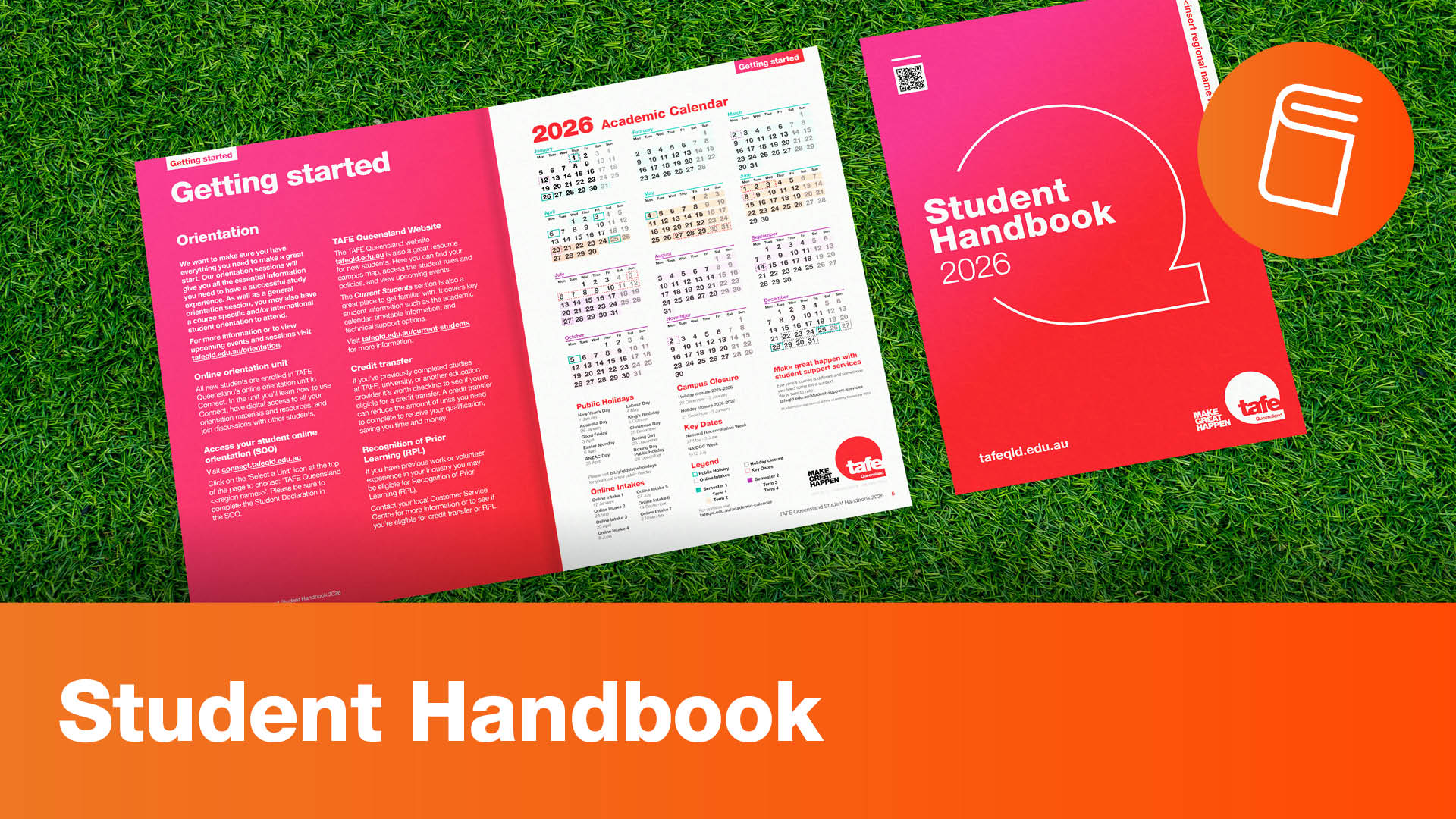
The Student Handbook is your go-to resource for all the relevant information about starting your studies at TAFE Queensland.
It contains information about Orientation, timetables, digital access, student rules and responsibilities, support services, your campus, safety while on campus, among many more things!
Be sure to read through the handbook before your first class and keep it handy for future reference.

Your library is here to help! From finding information for your assignments to mastering referencing, we’ve got you covered.
Explore eBooks, access your subject guide, and discover Standards or other specialised databases, all with expert support just a click or visit away.
Library Website | Library Locations and Hours | Information for Students

The fun starts when you receive your full class timetable with details of when and where your individual classes will be held.
Your faculty will be in touch to provide final timetable details as part of your orientation closer to start of study as you might need your class group for your timetable. These are also subject to change.

Still feeling a little lost?
If you're feeling lost, there are a few things you will need to do to make sure you don't miss out on important information about studying with TAFE Queensland.
- Read through the Student Handbook. Download the online version.
- Start with our Getting Started checklist. See the Checklist now.
- Find out when and where your Orientation Session is. Select your campus/mode.
- Set up your online account and work through the Student Online Orientation unit in Connect. Get I.T. help here.
- Contact your Teacher or the Faculty Administration team; they can provide guidance on how to reach your teacher.